Create modules
Learn how to group quests using modules
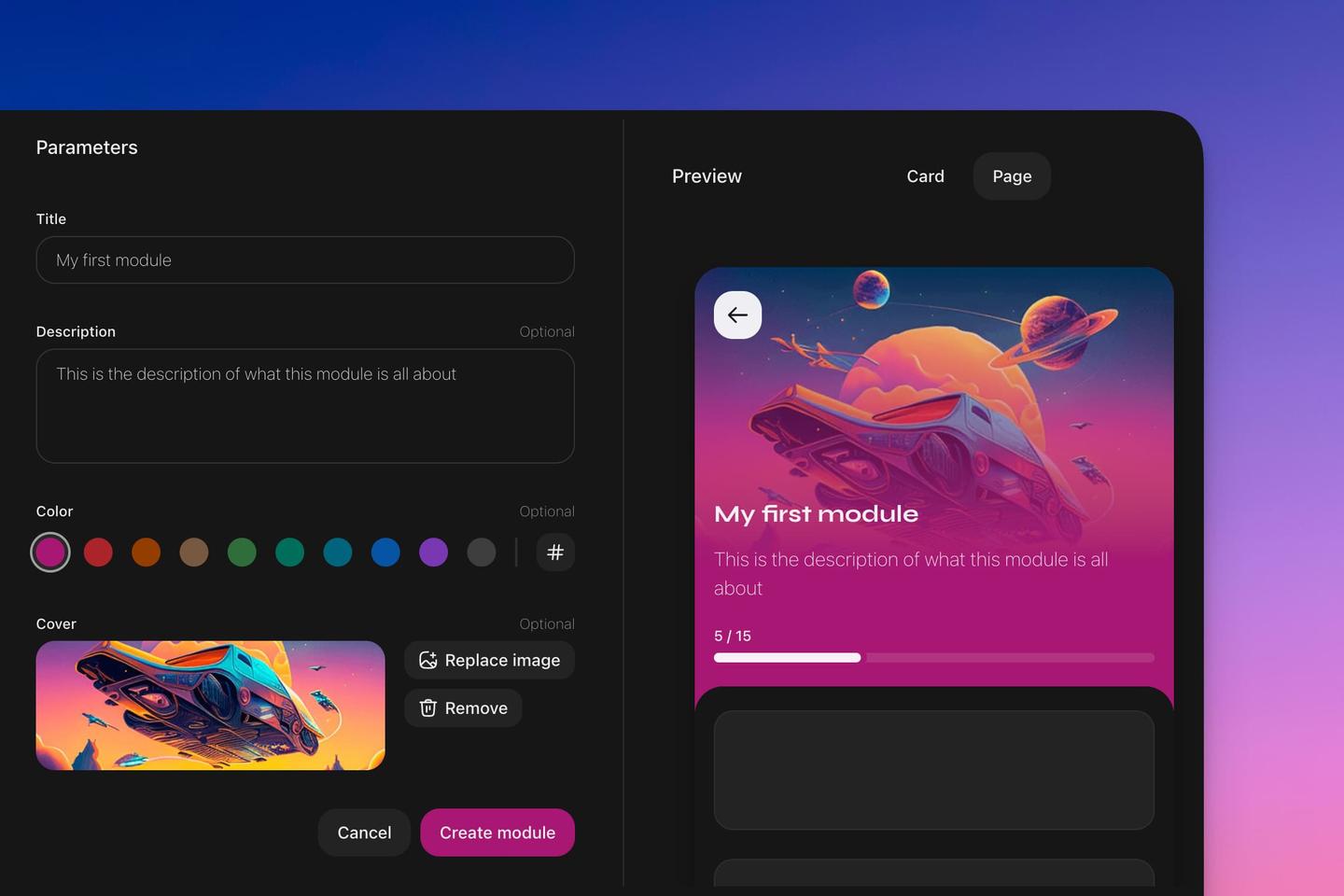
Modules group related quests together inside a Zealy community. A module needs a title and a description that tells contributors its theme; premium plans add a color and a cover image for branding. Create one from the arrow beside 'New quest', then 'New module'. A module whose quests are all drafts stays hidden from contributors.
Overview
Learn how to group quests using modules.
Basics
To create a module, click the arrow beside 'New quest'. Then choose 'New module'. Set a title and description to inform contributors about the module's theme.On the premium plans, you can add additional branding and storytelling with a color and a cover image.
Whenever you make changes to your module, it’s reflected on the preview on the right. This shows how it appears on the quests page and when someone accesses the module.